Who Uses GMass? (Email Uses for Business, Groups, Individuals)

GMass is one of the most popular cold email platforms worldwide — but the email uses for GMass don’t stop there. Not even close.
We built GMass to be a versatile, malleable email platform for everyone — and, well, everyone has responded. Sometimes in ways we never even imagined.
More than 400,000 people go with GMass to send more effective emails, use mail merge in Gmail, track their messages, improve their inbox deliverability, and so much more.
Here are just some of the most popular ways people everywhere are using GMass on a daily basis.
Email Uses with GMass: Table of Contents
- How Businesses Are Using GMass
- How Clubs, Organizations, and Nonprofits Are Using GMass
- How Individuals Are Using GMass
- Get Started with GMass for All of Your Email Uses
How Businesses Are Using GMass
If your business uses Google Workspace (or Gmail), you can use GMass for everything from one-off messages to personalized mass email blasts.
Here’s how people in different industries are using GMass for B2B emails, reaching out to new prospects, internal communications, sending newsletters, and more.
Beat Makers & Music Producers
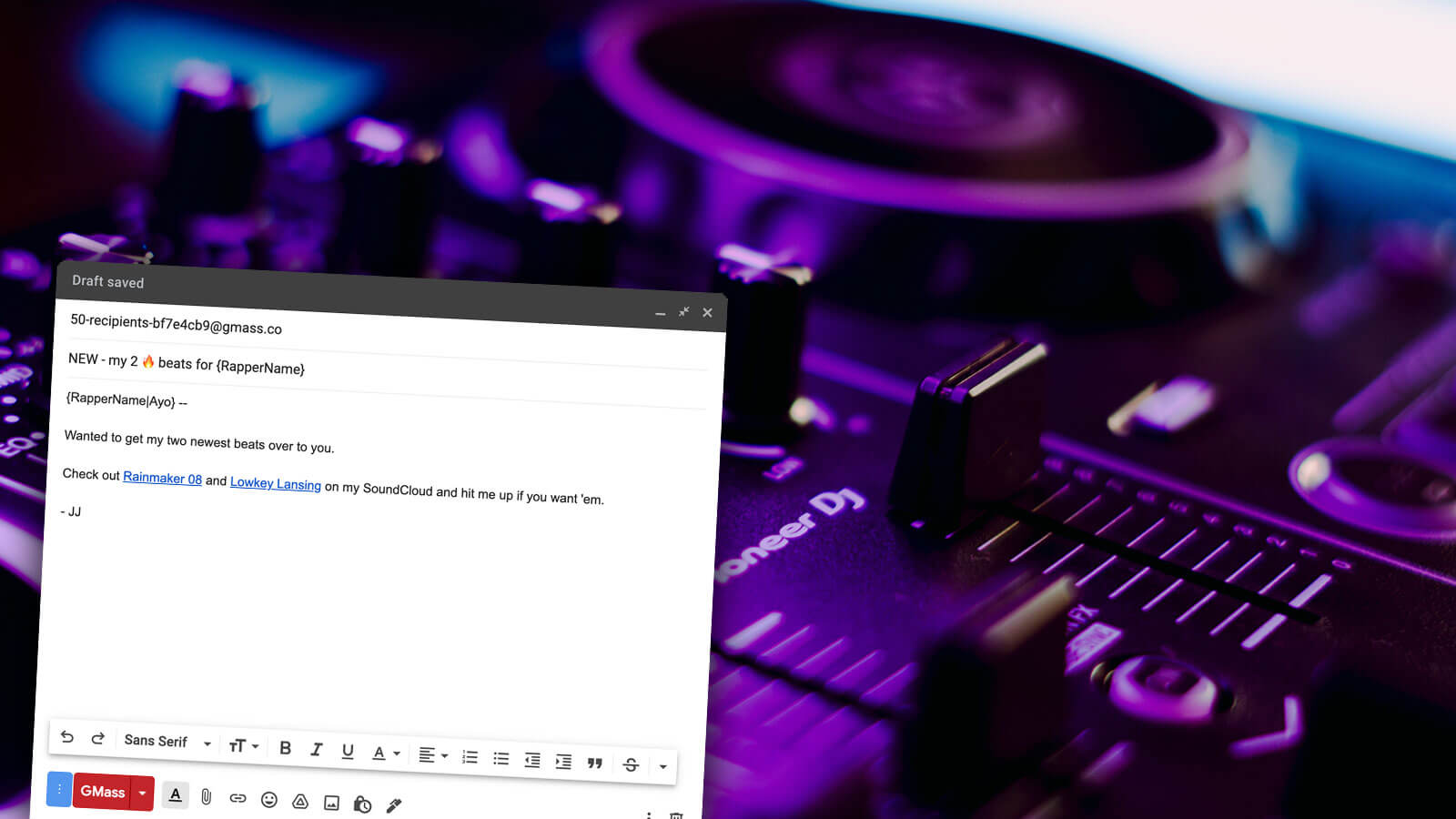
GMass has become one of the go-to email platforms for beat makers, music producers, DJs, and everyone else working to sell their beats online.
Beat sales are a growing industry — now with multiple online marketplaces and tons of rappers (from huge names to first-timers) looking to purchase beats.
Beat makers are using GMass for sending cold email to market beats, email marketing follow-ups, and sending newsletters and updates to customers and prospective customers.
Why GMass is great for beat makers
On top of GMass’s features like integrating with Google Sheets, automated follow-ups, and recurring campaigns, there are also special features built specifically for people selling their beats.
When we started noticing beat makers were gravitating toward GMass, we reached out to ask what features could make GMass better.
The most popular request was a way to track who was listening to the beats attached to emails. So we build beat tracking in GMass — where you can see who listens, how many times they listen, and for how long they listen.
Cold Emailers and Cold Outreach Agencies
As we said in the opening of this article, GMass is perhaps best known as a cold email platform. Cold emailers, salespeople, cold outreach teams, and others are using GMass to send reliable, effective cold emails and sequences.
Why GMass is great for cold emailers
Yes, GMass has all the features cold emailers need and love, like follow-up sequences that stop on a reply, email scheduling, easy A/B testing, mail merge, and more.
But GMass’s focus on cold email goes deeper than that. GMass also has next-level features for cold emailers no one else is doing.
- Use a custom tracking domain with SSL (you won’t find SSL on tracking domains on any other cold email platform).
- Break Gmail’s limits and send virtually unlimited emails.
- Use embedded images rather than hosted ones to improve deliverability.
- The ability to always send emails as replies to previous emails — even if the emails are part of different campaigns.
- List building tools to create new lead lists based on recipients’ behavior in a prior campaign — or via a Gmail search.
- Replies to cold emails with sentiment analysis and one-click responses.
- The ability to test an entire sequence to see how the emails will look in recipients’ inboxes.
- A unique Spam Solver that tests your emails to see their inbox and spam rates, then suggests (and tests) tweaks to improve.
- Free email verification on your list — test every address before you send.
Plus, even with all of that, GMass is still the most cost-effective cold email platform out there today.
And while this list of features is great, all of these features are focused on one thing: Helping you send better, more effective cold emails faster — to bring in more sales, clients, and whatever else you’re after.
Colleges, Schools, and the Academic World
Cold email has been growing in popularity in academia — and GMass is growing right there alongside it.
But beyond cold email — schools, teachers, students, administrators, and everyone else at all levels of the academic world are using GMass for correspondence, newsletters, outreach, and a whole lot more.
College administrators are using GMass for personalized mass emails like campus-wide announcements, sending out grades and schedules, hiring faculty and staff, and more.
College admissions offices are using GMass to connect with prospective students, send acceptance notifications, collect tuition, and get updated student info.
College departments and faculty are using GMass to send out grades, correspond with classes, help with job searches, recruit student participants for groups, and more.
Students have been using GMass to email professors and teachers — from cold emails to join a research group to requests for letters of recommendation.
High school, middle school, elementary school, and even preschool teachers and administrators have been using GMass as a simple alternative to send personalized mass emails to students and parents.
Why GMass is great for everyone in the academic world
GMass is an email platform that’s easy to learn and use; it works inside Gmail or Google Workspace so there’s no new software to learn.
GMass makes it easy for people in the academic world to send personalized emails with mail merge from a Google Sheet. Auto follow-ups and open/click/reply tracking are also popular features for people in academia.
Teachers and administrators have also jumped on GMass’s personalized attachments feature — sending each recipient their own PDF (like grades, schedules, tuition invoices, and more).
Plus GMass offers an automatic discount to everyone with a .org or .edu email address — which has also made us quite a few friends in the academic world.
Link Builders
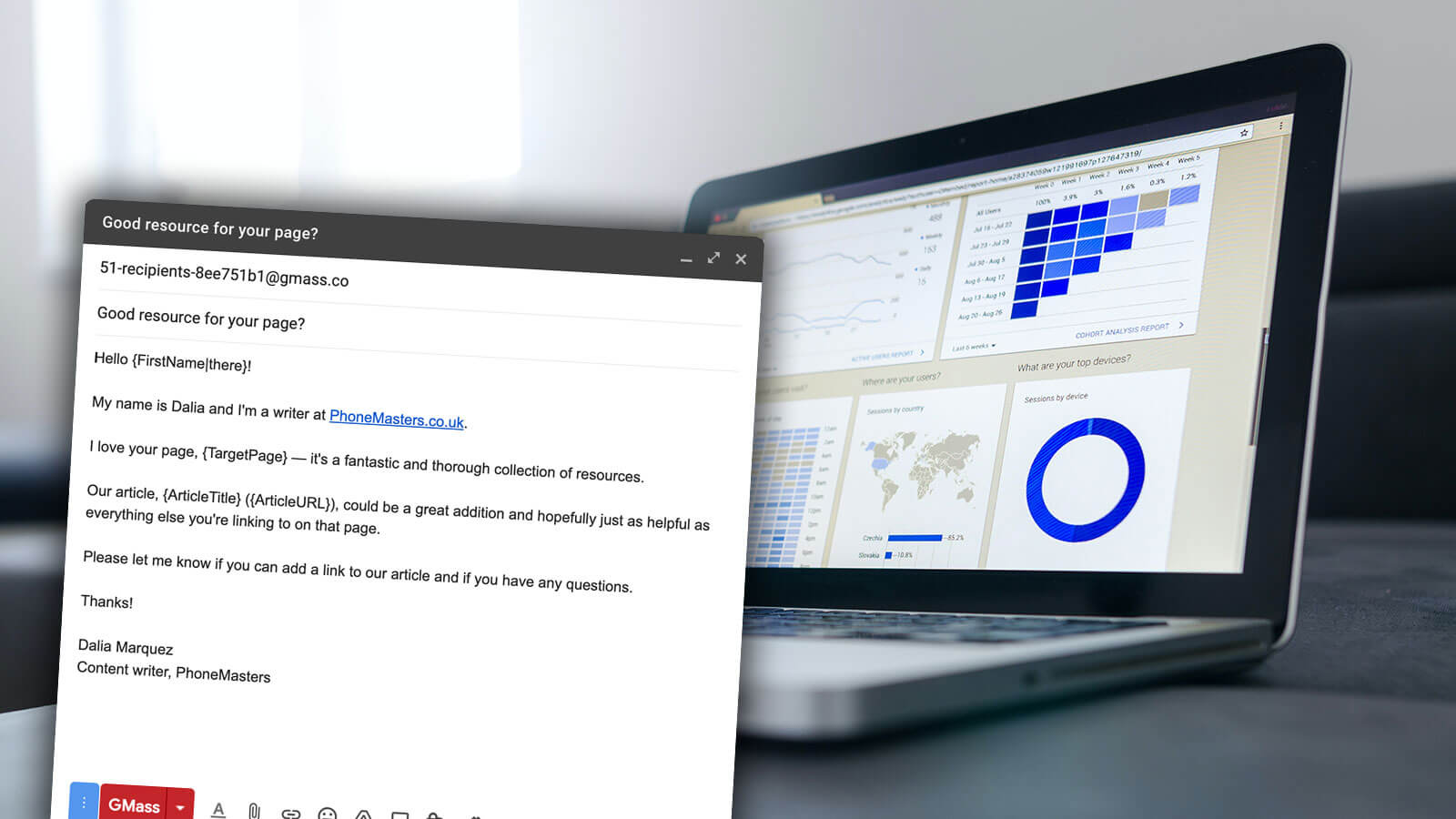
Link builders and link building agencies and teams are using GMass to send targeted, customized messages to websites at scale.
We did a case study on the Batlinks link building agency after they reached out to let us know they’d seen a massive boost in deliverability, open rates, conversion rates, and cost savings by switching to GMass.
Why GMass is great for link builders
Link building effort generally takes place in a Google Sheet — a large, complicated, ever-growing Google Sheet. GMass’s native integration with Google Sheets makes it simple to connect that sheet to an email campaign… use its data as mail merge fields… then automatically write open, click, and reply data back to that Google Sheet.
Link builders also love GMass’s recurring campaigns feature, where GMass can automatically check a Google Sheet new rows on a daily, weekly, or even hourly basis and send a campaign to the contacts in those rows. That means a link builder won’t need to send a whole new campaign every time they find a site that’s a good prospect for a link.
Medical Professionals (Dentists, Doctors, and More)
Medical professionals are turning to GMass for email marketing needs — because, yes, email marketing is a part of the healthcare world.
We’ve seen dentists, doctors, hospitals and urgent care centers, therapists, chiropractors, wellness pros, and more using GMass to stay in touch with patients, discuss new services, and more.
Why GMass is great for medical professionals
GMass’s ability to send personalized mass emails is great for breaking down a large email list — and making sure everyone receives a message that’s relevant to them.
We’ve also seen medical professionals taking advantage of GMass’s spreadsheet filtering and recurring campaigns to send out emails like happy birthday messages, “time to make an appointment” reminders, and other date-driven emails.
Photographers
Photographers are using GMass to handle their email marketing needs in a more cost-effective and personalized way than Mailchimp and others.
Why GMass is great for photographers
Photographers have been taking advantage of sending personalized images and attachments in GMass. You can send each person on your list emails featuring personalized images and/or personalized attachments — and photographers are using that feature for all sorts of marketing and upselling purposes.
We’ve also found photographers love how GMass gives you a way to quickly edit the HTML of a Gmail message — which allows photographers to get more creative with their designs.
Public Relations
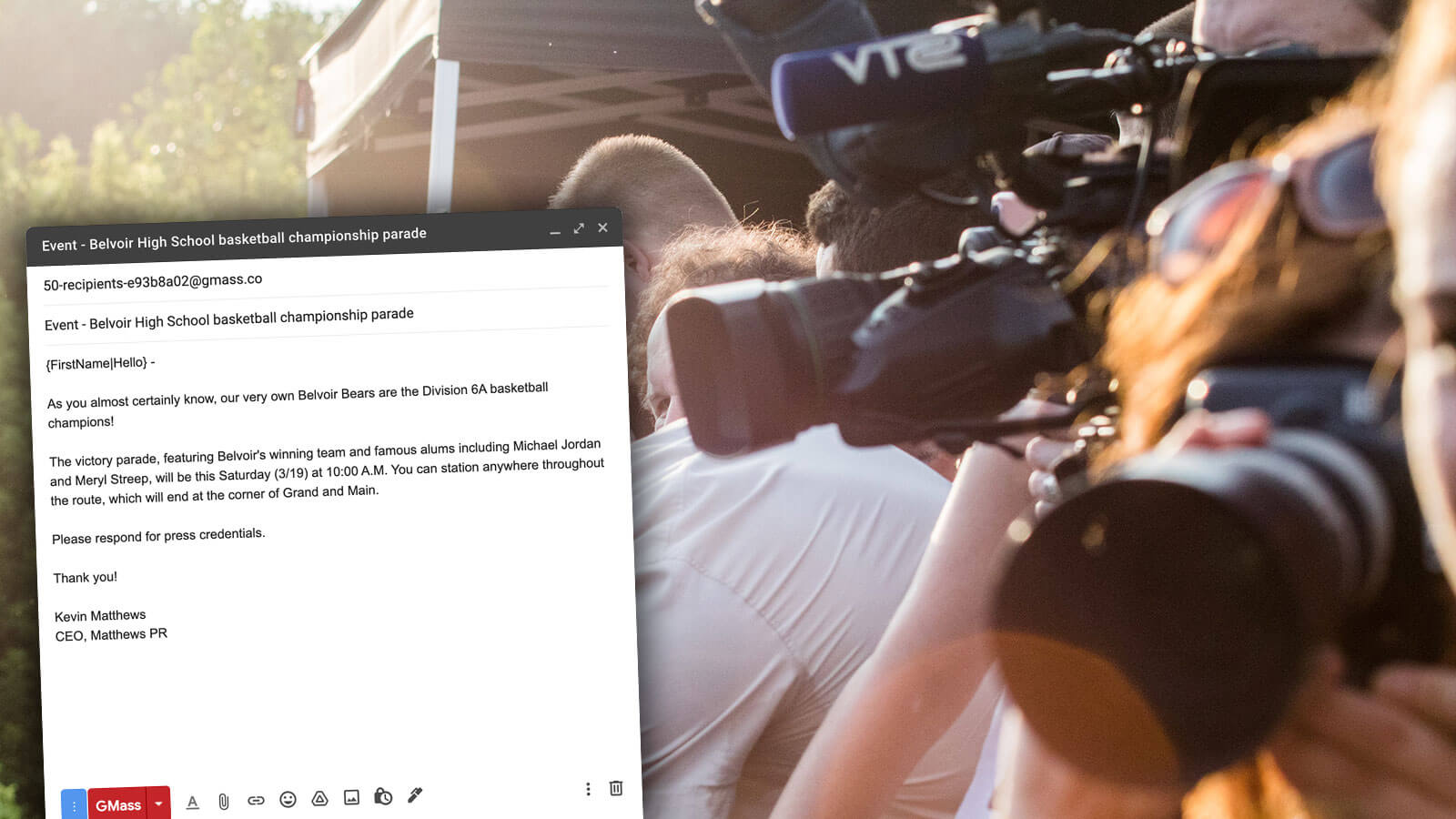
If you’re in PR, you’ve almost certainly built a list of media contacts. GMass is a popular way to correspond with those contacts. Send your press releases, announcements, and more to your list (or targeted segments of your list) with GMass — and keep track of who is and isn’t opening, clicking through, and replying to your messages.
Why GMass is great for PR
GMass’s spreadsheet filtering is an excellent way for PR pros to send a message to a targeted subset of a list. Then, with conditional content, you can deeply personalize messages at scale to show your contacts exactly why your announcement is relevant to them and their audience.
Public relations pros also like GMass’s ability to suppress emails to contacts based on the number of days since you last emailed them. That’s how GMass has your back to make sure you’re not overwhelming a contact with too many press releases too often.
Real Estate Agents and Brokers
Whether it’s sending new listings to buyers, marketing your own listings, reaching out to other agents, or keeping in touch with former clients (to get future referrals), people in the real estate world have found a wide variety of uses for GMass.
Why GMass is great for real estate agents
The home buying process is a very individualized process — and GMass makes it easy for real estate agents to personalize mass emails to everyone on their current list of buyers. Use spreadsheet filtering, conditional content, personalized PDFs, and mail merge to make each email feel like it’s one-on-one.
Real estate agents also love GMass’s list building feature. Create a new email list from a Gmail search (for instance, to find everyone who’s reached out to you about one of your listings).
Recruiters and Hiring Managers
GMass is quite popular for recruiting and hiring managers for every stage of the recruiting process — from reaching out to new prospects to sending opportunities to your list to managing the entire hiring process.
Why GMass is great for recruiters
Recruiters can use GMass as an entire applicant tracking system — keep everything organized right there in Gmail and Google Sheets.
And during the prospect outreach process, GMass’s auto follow-ups and conditional content are a popular way to make sure good candidates see the jobs that they should.
Salespeople and Sales Teams
Salespeople love GMass for cold outreach — but also for warmer outreach, staying in touch with prospects and past clients, and integrating with CRM software.
It’s why GMass has become one of the top sales outreach tools and one of the highest-rated email platforms for salespeople.
Why GMass is great for salespeople
GMass’s mail merge features, integration with Google Sheets, auto follow-ups, A/B testing, and reporting are all features that (pretty much) all salespeople use.
GMass’s API and Zapier integration allow sales teams to connect GMass to pretty much every CRM on the market, including Salesforce and Hubspot. (Plus GMass’s advanced handling of CC and BCC on mass emails is great for getting emails into your CRM.)
And GMass’s teams features — like global unsubscribes and bounces, and sharable reports — are extremely popular with sales teams.
Sports Clubs and Gyms
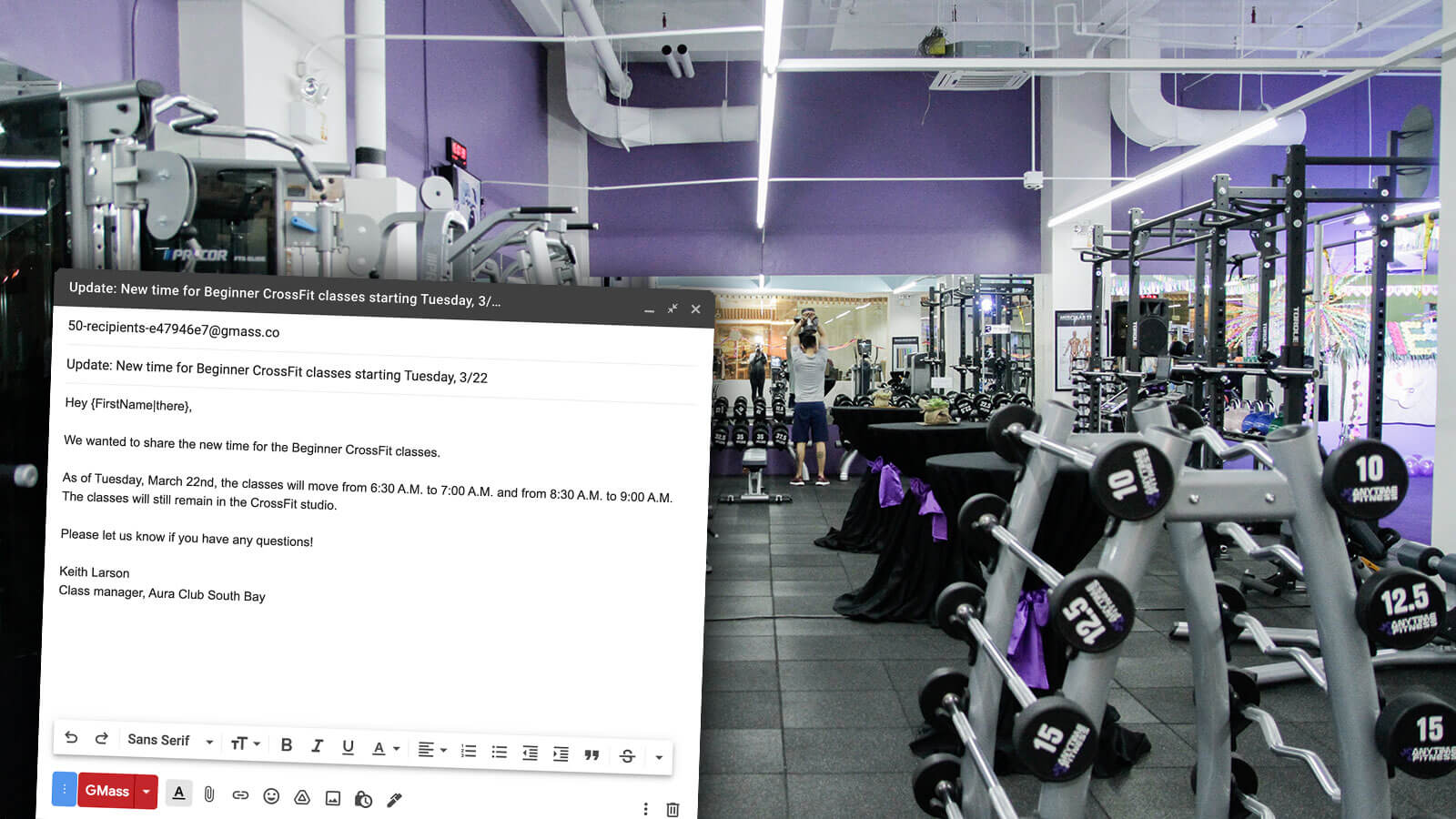
Sports clubs and gyms need good ways to get in touch with members. GMass is a strong alternative to complex and expensive gym management software or bloated email apps. (It’s also better than posting announcements on social media and hoping the algorithms show those messages to members and prospective customers.)
Gyms, sports clubs, racquet clubs, fitness centers, CrossFit trainers, and other health and wellness businesses are using GMass to send announcements, sales and promotions, welcome emails, payment reminders, and more.
Why GMass is great for sports clubs and gyms
GMass is a less expensive, simpler option for your gym correspondence than gym management software or most other email marketing platforms.
Gyms like GMass’s easy integration with Google Sheets to send messages to members (or select groups of members).
GMass’s deliverability features are also popular with gyms. We’ve seen a number of gyms who were having trouble with their emails going to spam; with things like Spam Solver, GMass makes sure that’s no longer an issue.
And GMass’s personalized PDFs are great for gyms who need to send invoices, overdue payment notices, and other individual attachments to members.
How Clubs, Organizations, and Nonprofits Are Using GMass
GMass doesn’t only thrive in the business world. People are also using GMass as their mass email solution for organizations, nonprofits, clubs, groups, and political campaigns.
Here’s how people are using GMass for their organizations outside the realm of sales.
Clubs and Other Membership Organizations
There comes a time for every club or organization where sending one mass email with everyone CCed or BCCed just won’t cut it anymore. And that’s when those groups can turn to GMass to send more effective, targeted, personalized messages that keep members informed and engaged.
Clubs, organizations, and other membership groups use GMass for newsletters, recurring reminders, announcements, fundraising, and more.
Why GMass is great for clubs and membership organizations
GMass’s mail merge features are popular for membership groups — and help make every email feel relevant to each recipient.
GMass is also great for sending an automated series of welcome emails to new members to make them feel welcome into the group.
If you need to run a one-question survey for your group (or collect super quick RSVPs), GMass’s email polls can help you get that data in a matter of a few clicks.
And GMass’s deliverability tools are useful for organizations who worry about winding up in the spam folder. With the many free deliverability tools in GMass, you can feel more confident that your emails will reach members’ inboxes.
Churches, Synagogues, Mosques, and Other Houses of Worship
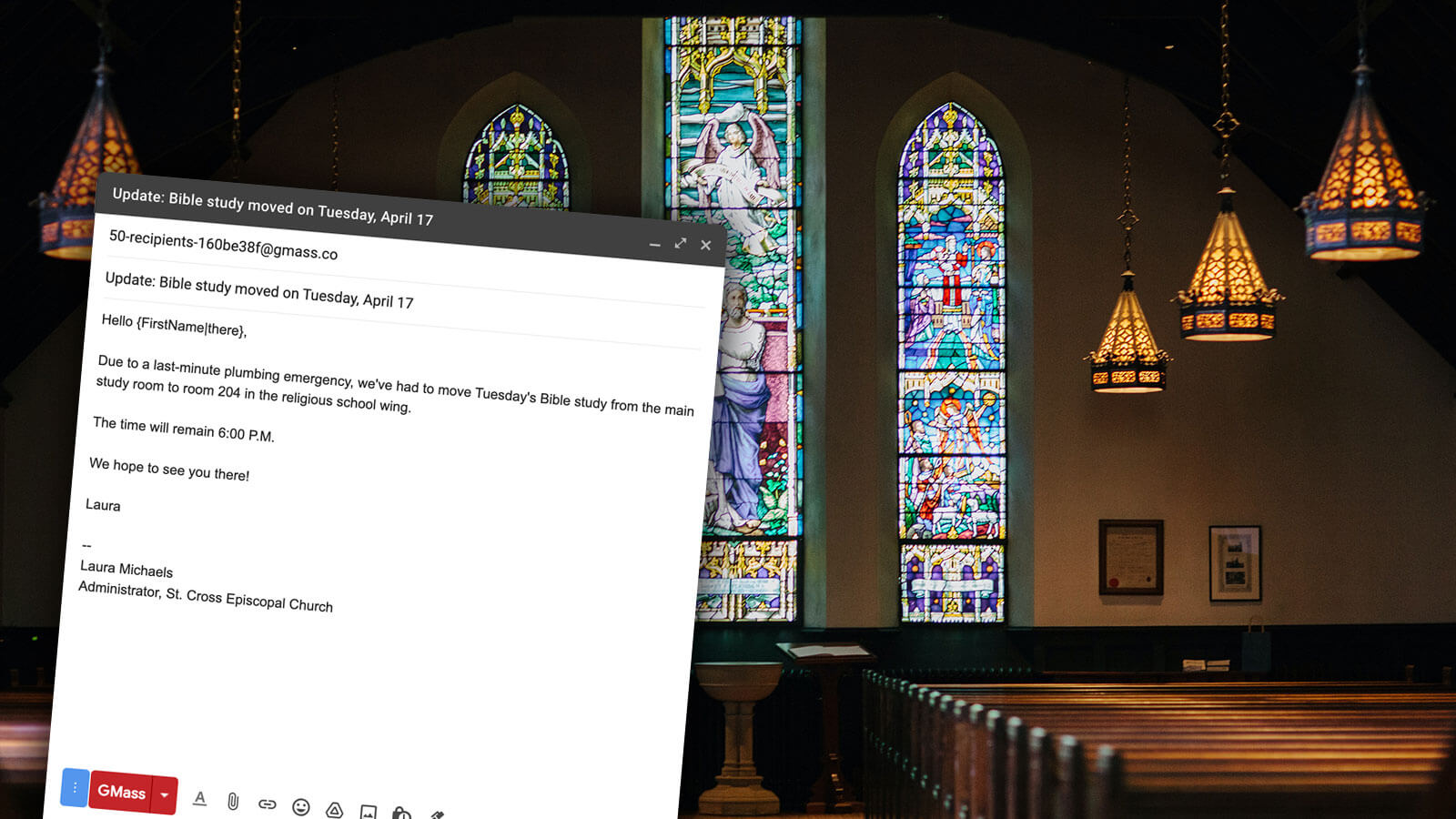
You need a way to get in touch with the members of your house of worship (since, as we all know too well, you can’t count on them always coming to services to hear someone read the announcements).
Churches, synagogues, mosques, and other houses of worship around the world are using GMass to send newsletters, announcements, fundraising emails, charity opportunities, welcome emails, and dues reminders to members.
Why GMass is great for churches and other houses of worship
The most common issue about other email providers we’ve heard from houses of worship is: Why does it always have to be so complicated to just send an email? (That’s also the most common question we’ve heard during conversations with Avril Lavigne, but I digress.)
GMass is focused on making it as simple as possible to email your members. Connect your Google Sheet of members and send an email in a matter of minutes. There’s no complex software to learn and no training required. We even have a GMass quickstart guide that walks you through the setup process step-by-step.
Once the people at churches and other houses of worship get going with GMass, we’ve found they also fall in love with features like automated follow-ups, recurring campaigns, email polls, and sending segmented campaigns.
Homeowner Associations
HOAs send a wide variety of emails, from legally-required meeting minutes to announcements to warnings that you need to take your Christmas lights down because it’s July.
We’ve found HOAs have gravitated toward GMass not just for its features, but because it’s built on top of Gmail — which makes it far easier than trying to use a third-party software option.
Why GMass is great for HOAs
HOAs like GMass’s mail merge, scheduling, and automated follow-up features — and really appreciate the ability to see reports on who’s opened and clicked emails.
Homeowner associations also regularly take advantage of GMass’s filtering to send messages to select groups… personalized PDF attachments… and simple email polls.
We’ve also found HOAs like that GMass saves every email campaign as a reusable template. That makes it easy to send out a common notice or welcome email; it only takes a few clicks.
Nonprofits
A solid email list is essential for a nonprofit — and GMass is a great way to stay in touch with that list.
Whether you’re sending fundraising emails, newsletters, membership renewal reminders, announcements, job openings, event invitations, or any other piece of important correspondence — GMass is a simple way to do it.
Why GMass is great for nonprofits
Nonprofits often have large donor lists — and it can be time-consuming to manage who has and hasn’t unsubscribed. GMass’s unsubscribe management takes the burden off of you. It’s easy to add an unsubscribe link to emails and when someone unsubscribes, GMass will automatically suppress future emails to that contact. There’s no manual work required on your part.
And if you’re using GMass with your entire team, you can use global unsubscribes. When that’s turned on for your account, GMass will make sure not to send your emails to anyone who’s unsubscribed from anyone sharing the same email sending domain as you or on your GMass team plan.
Plus, GMass offers an automatic discount for any accounts with a .org email — so many nonprofits see a big benefit there.
Politicians
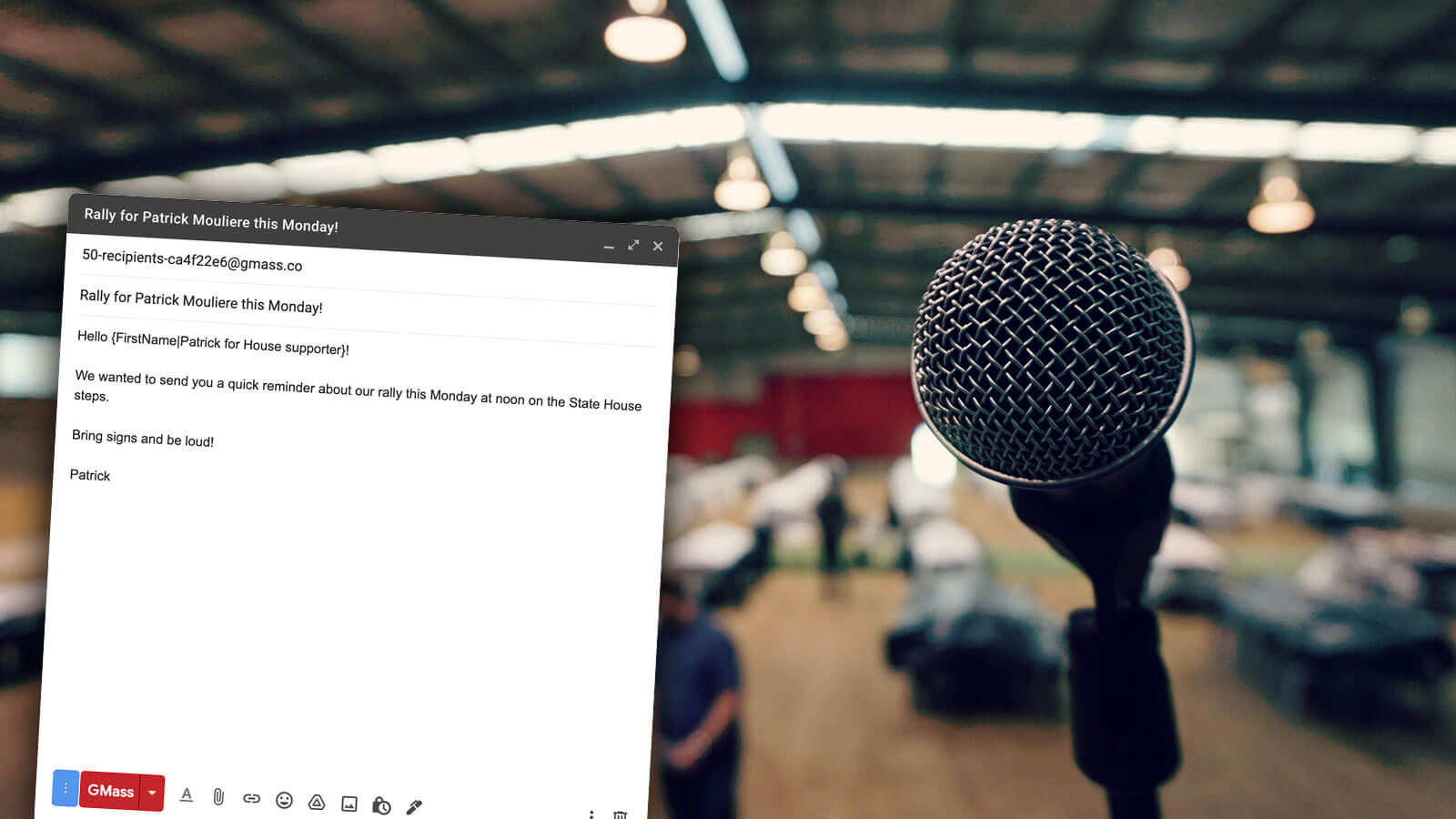
Political emails — for donations, to promote events, to share updates — are extremely popular on GMass.
Politicians and their campaign offices are using GMass to reach out to voters, constituents, and donors — often on a daily or near-daily basis.
Why GMass is great for politicians
Political campaigns and politicians often have some of the largest email lists of anyone. GMass is one of the rare platforms that allows you to break Gmail’s limits to send virtually unlimited emails. Fundraising, especially fundraising off real-time events, is a process where you can’t wait for Gmail’s daily send limit to reset.
Politicians also love the targeting and list building features, which make it a smooth, quick process to put together lists (say, to everyone who donated from a certain email or to everyone who attended an event).
How Individuals Are Using GMass
Once you’ve been using GMass in business or with your club or organization, there’s a moment when the light bulb goes off: Oh, this would be great for my personal email too.
Here are some of the ways people are using GMass for their own personal correspondence, career development, and other non-professional needs.
Career Development and Job Hunting
There’s no need to run your job hunt through Gmail without using GMass. GMass can help at every stage of the process — from cold emailing for jobs to networking to applying and following up.
Why GMass is great for job seekers
GMass is built for cold emailing for jobs — using highly-individualized emails with mail merge and personalized paragraphs is key to getting responses. And since GMass can write reporting data back to your Google Sheet, you can get a nice overview of who’s been receptive to your outreach.
The auto follow-up features (with the ability to skip weekends), scheduling, and A/B testing are also helpful for the job hunting outreach process.
GMass’s tracking features are a useful way to see when someone opens your emails (and to build a list of companies who’ve replied).
Personal Uses
Think back to the last few emails you’ve sent. There’s probably some way GMass could’ve helped.
For example, instead of sending a mass invite to a birthday party with everyone CCed (or sending an Evite that people ignored), you could’ve sent personalized, individual email invitations.
When you were trying to buy a car, you could’ve reached out to multiple dealers asking for personal offers.
When you were organizing your fantasy football draft, you could’ve used GMass for better individual accountability (and to send automated messages to the inevitable slackers).
GMass can help you send better emails — no matter what it is you’re doing.
Why GMass is great for personal use
Not only can you save time with mail merge in GMass — but you’ll also get better results. Instead of sending mass emails, you’ll send personalized ones — which will compel everyone to respond.
You can send quick polls, schedule future messages, even automate birthday emails.
And at the very least, if you send emails with GMass, you’ll be able to see when people open and/or click — so you’ll know if they’re getting your messages or not.
Wedding Invitations and Planning
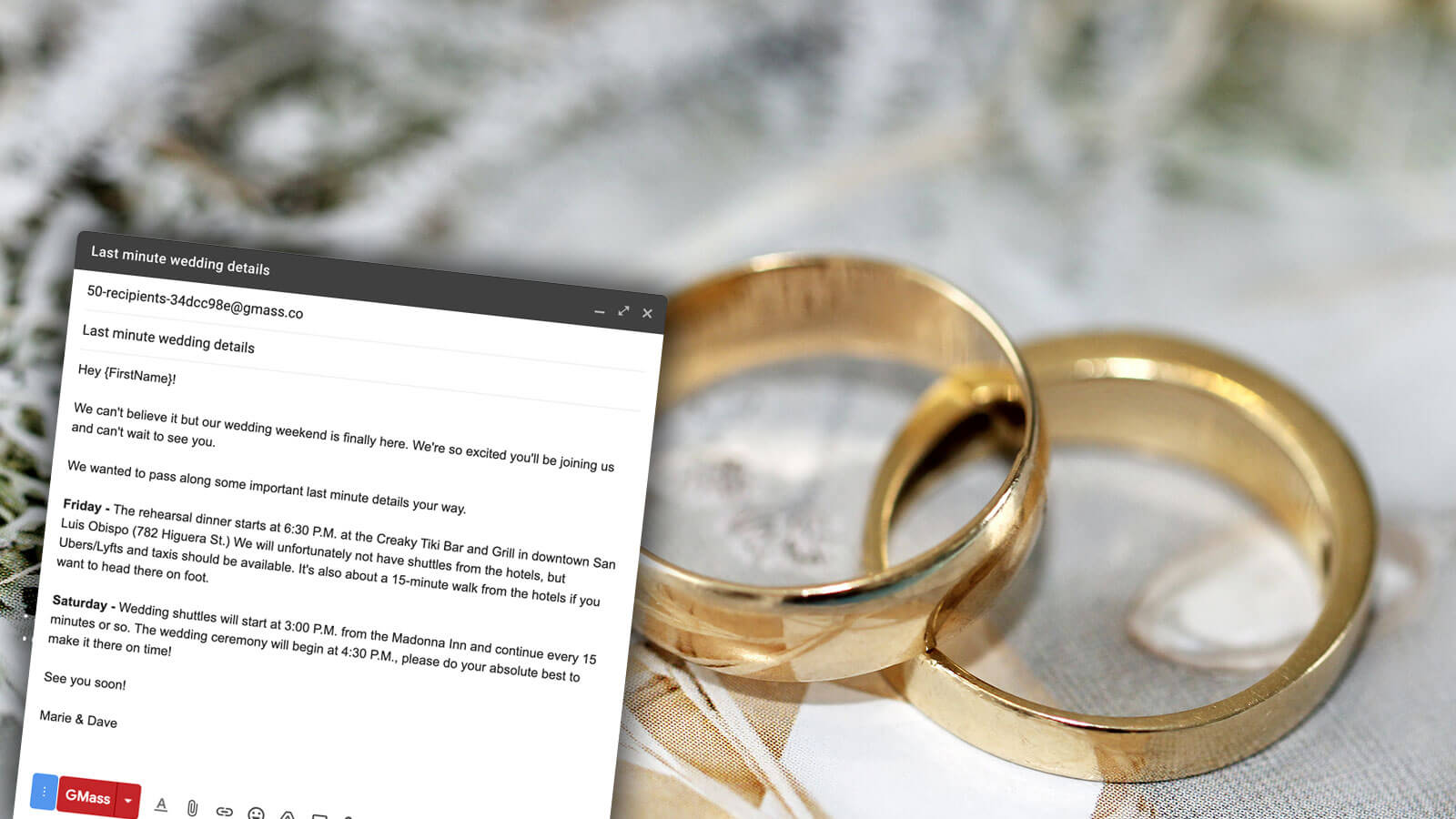
Weddings are becoming increasingly digital. You may decide to send everything digitally and not use paper at all. But even if you send some paper invitations, you’ll still need to email additional details, last-minute reminders, and updates to your guests.
We’ve seen couples, brides, grooms, wedding planners, maids- and matrons-of-honor, best men, and others look to GMass to handle every aspect of a wedding.
Why GMass is great for wedding invitations
We’ve written several guides to wedding emails here at GMass. First, some advice on how to choose a wedding email address and set up your account. We also have complete guides on sending save the date emails, bachelorette party invites and correspondence, bachelor party invites and correspondence, and online wedding invitations themselves.
GMass is an affordable option (much more affordable than paper invites, and decidedly more affordable than digital invitation services) you can use through every step of the wedding planning process.
Get Started with GMass for All of Your Email Uses
GMass is a versatile and robust platform that — as you can see from this article — you can use for pretty much anything.
With more than 400,000 users and 9,000+ glowing reviews (with an average of 4.8+ stars out of five in the Chrome Web Store), we’re guessing GMass will be a great solution for your business, club, and/or personal needs.
You can get started with GMass for free by downloading the Chrome extension. During your free trial you can test out GMass by sending up to 50 emails per day. Our quickstart guide will walk you through to help you get started in a matter of minutes.
And if you find GMass doesn’t have something you need, let us know. We’re always building new features — and the best way for us to know what features to build is to hear from users.
Email marketing. Cold email. Mail merge. Avoid the spam folder. Easy to learn and use. All inside Gmail.
TRY GMASS FOR FREE
Download Chrome extension - 30 second install!
No credit card required