
If you’re a current or past paid subscriber, you can now view the invoices for your account. You can also customize your invoices with your company’s information.
How to get your invoices
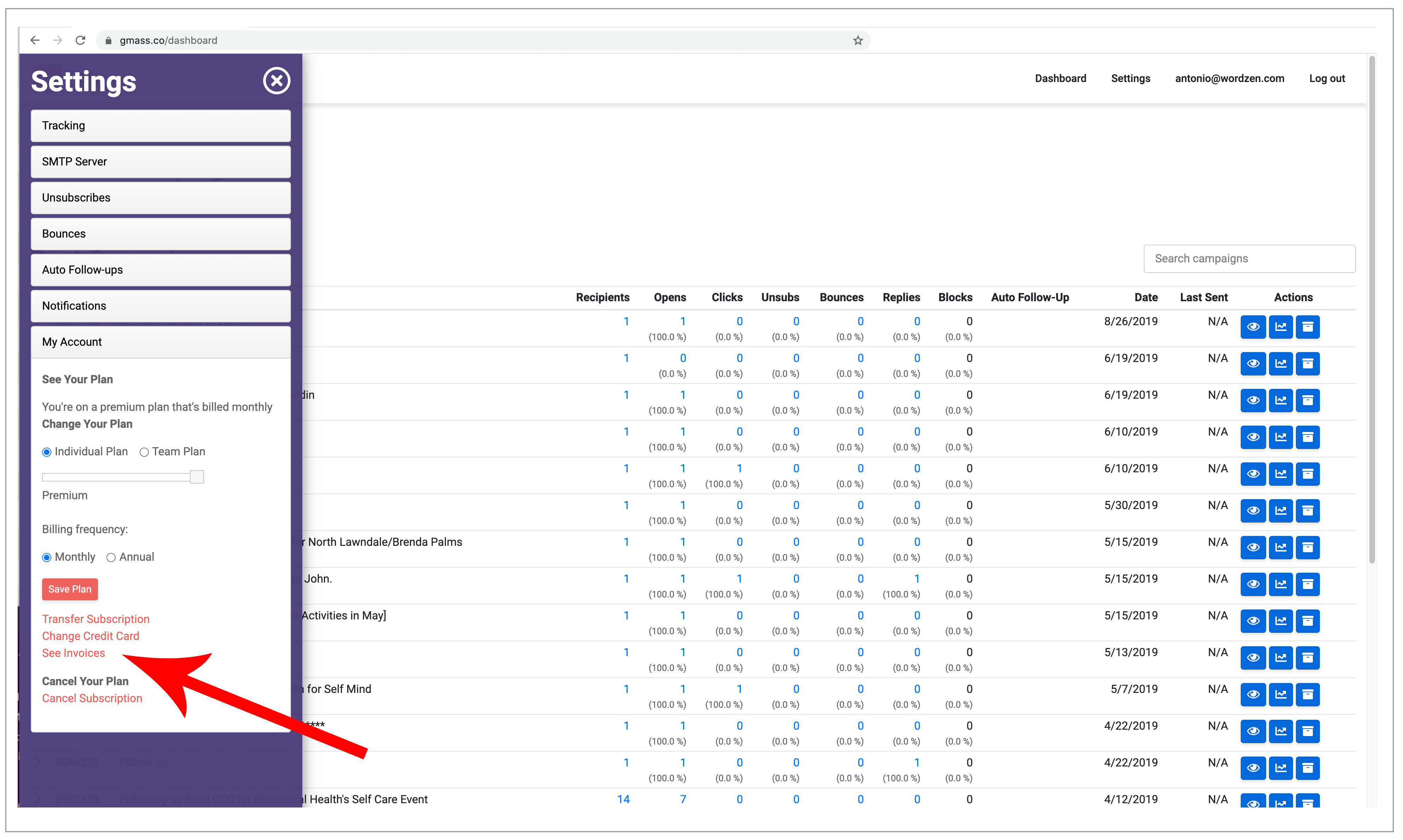
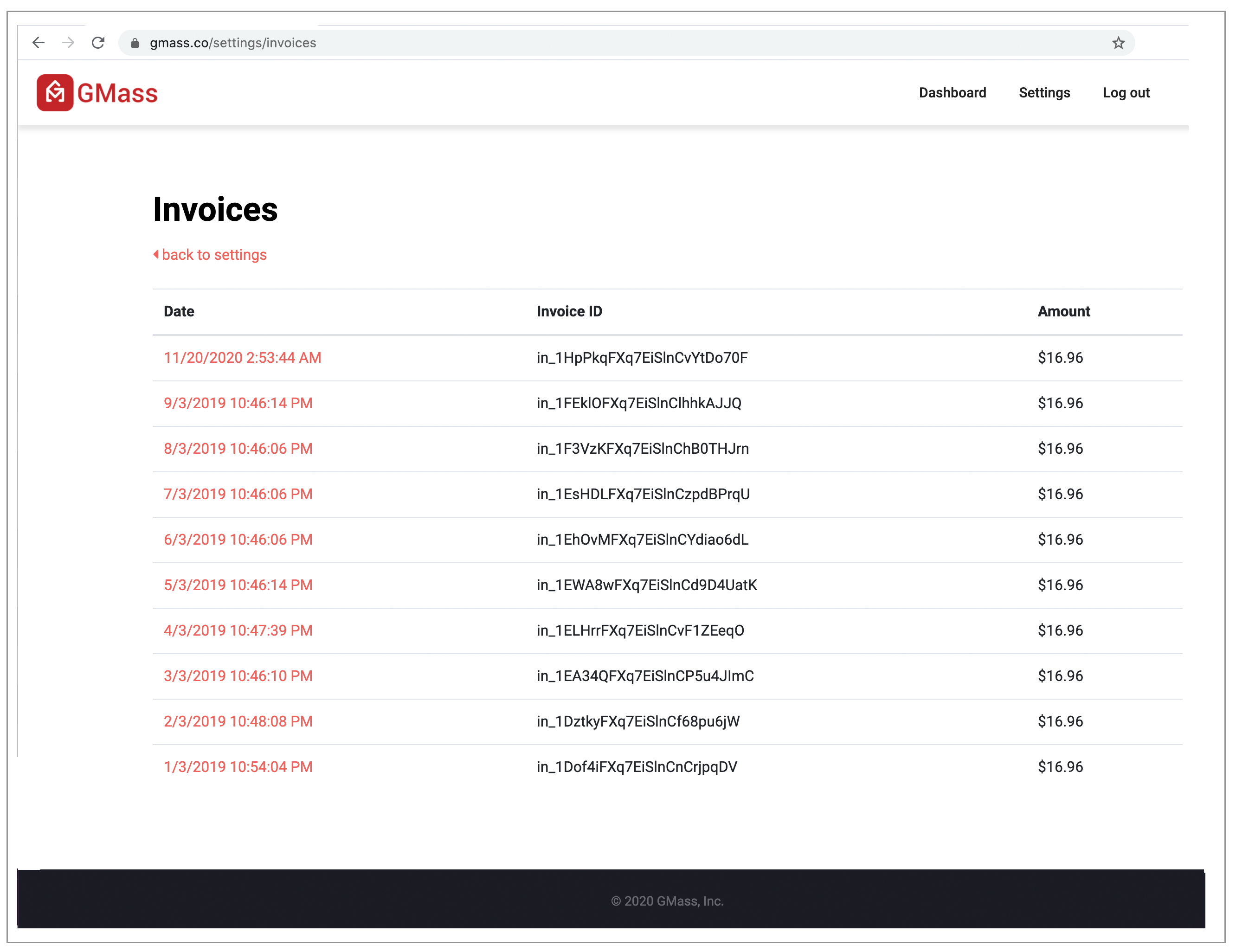
As of November 2020, you can view your invoices from our dashboard. Here’s a direct link to the “My Account” section that contains your invoices.
New way
Old way

1. Launch a regular Gmail Compose window.
2. Set the To field to invoice@gmass.co.
3. Type anything you like in the Subject Line, so long as it’s not blank.
4. Click the GMass main button. Refresh your Inbox and you will see an email message with a list of all of your invoices.
Important: Be sure to hit the red GMass button, and not the regular Gmail Send button. Hitting the regular Send button will result in a bounce.
How to customize invoices with your company information
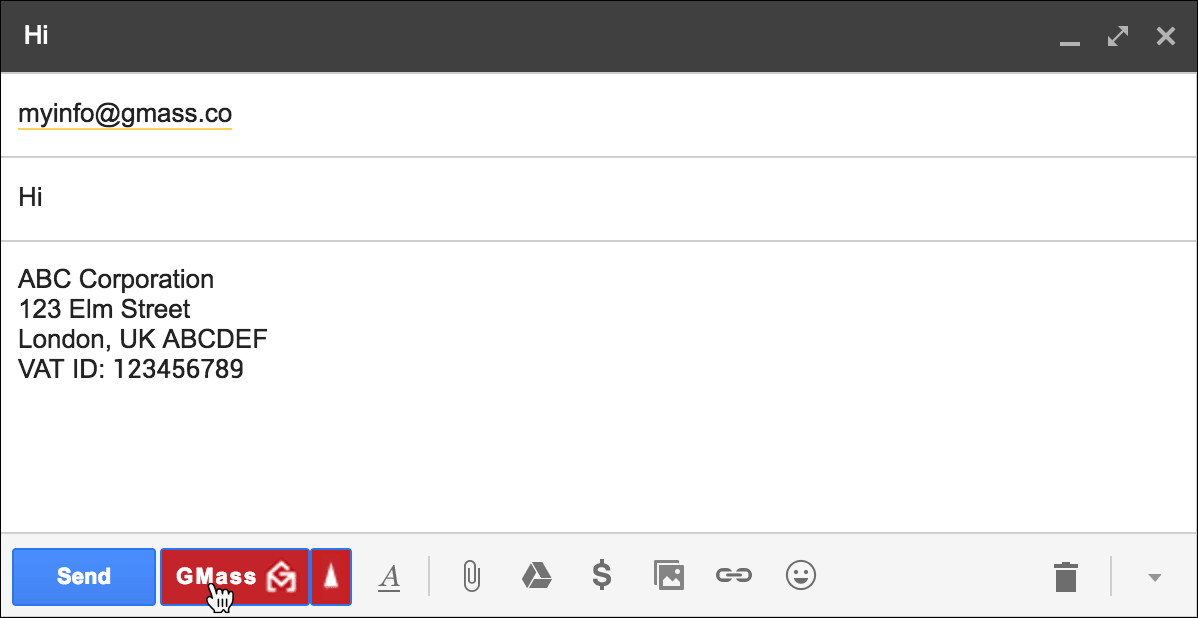
1. Launch a regular Gmail Compose window.
2. Set the To field to myinfo@gmass.co.
3. Type anything you like in the Subject Line, so long as it’s not blank.
4. Set the Message area to your company’s information. If you have a signature that appears in the Message area, clear it out, and replace it with your company name, address, Tax ID number, VAT number, or any other information you would like to appear on your GMass invoices.
5. Click the GMass main button to save your information.
Important: Be sure to hit the red GMass button, and not the regular Gmail Send button. Hitting the regular Send button will result in a bounce.
Only GMass packs every email app into one tool — and brings it all into Gmail for you. Better emails. Tons of power. Easy to use.
TRY GMASS FOR FREE
Download Chrome extension - 30 second install!
No credit card required

Ajay is the founder of GMass and has been developing email sending software for 20 years.