The Google Sheets dropdown is now searchable and beautiful

If you’ve used our Google Sheets integration to send your mail merge campaigns, you may have noticed how UGLY our spreadsheet dropdown used to be. If you had lots of spreadsheets, finding the right one was a pain.
No longer! Now, the spreadsheet dropdown is BEAUTIFUL, and you can easily search for the right spreadsheet just by typing a few characters that match any part of the name.

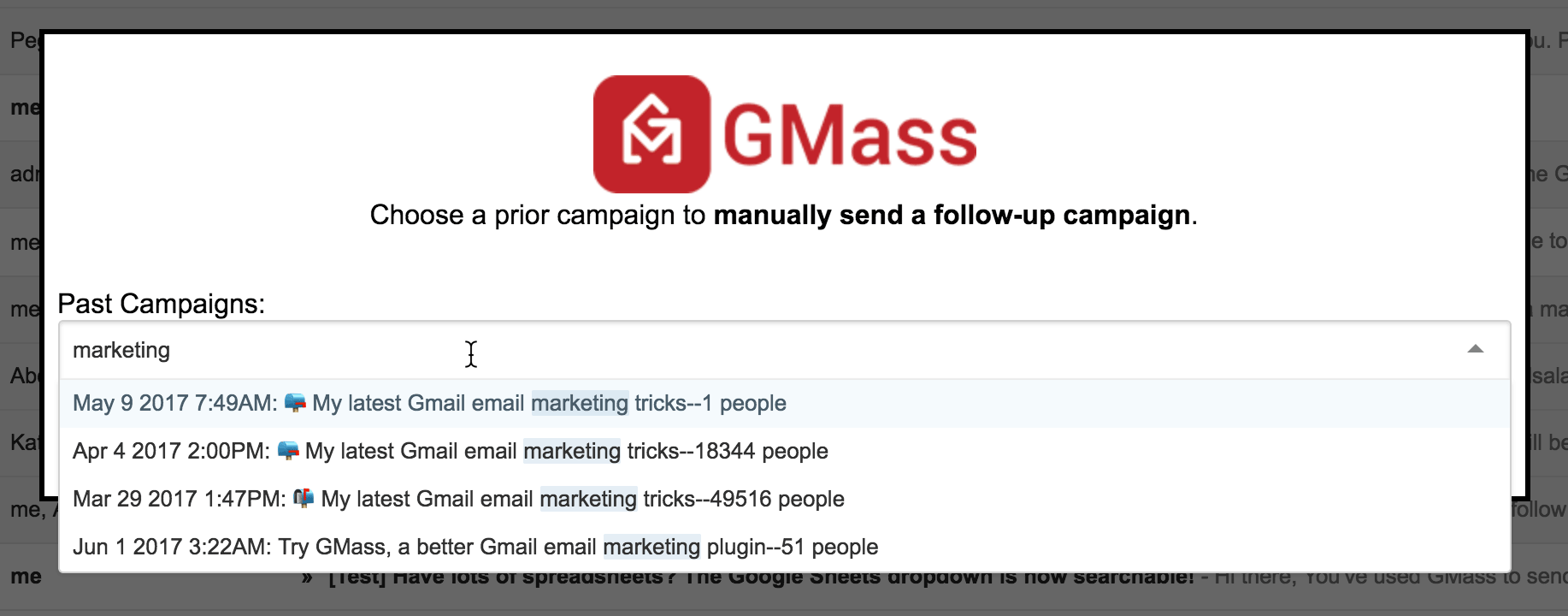
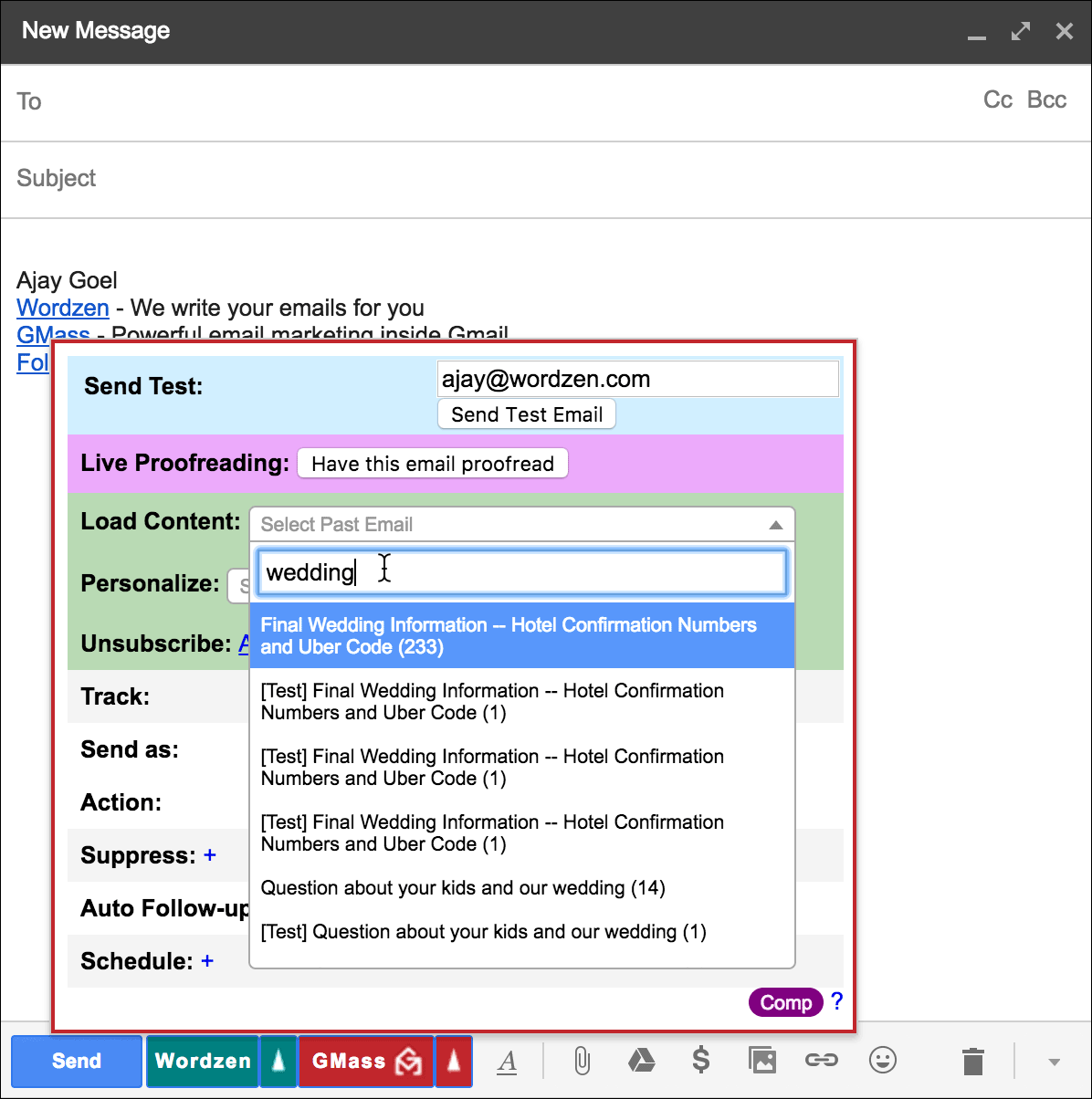
In fact, we’ve updated all of the major dropdown menus in GMass to this new style, including the Past Campaigns and the Load Content dropdowns.
And here’s the improved Load Content dropdown:
To get the update, your Chrome browser has to update the GMass extension to the latest version 4.0.1, which will happen in the next 48 hours automatically. Don’t want to wait? You can also manually update the extension immediately by:
1. Going to chrome://extensions and clicking the Update extensions now button at the top.
2. Then reloading Gmail (or Google Inbox) in the browser.
Only GMass packs every email app into one tool — and brings it all into Gmail for you. Better emails. Tons of power. Easy to use.
TRY GMASS FOR FREE
Download Chrome extension - 30 second install!
No credit card required

Ajay is the founder of GMass and has been developing email sending software for 20 years.